Free Sankey Diagram Generator
Create Sankey diagrams instantly with our free AI generator. Visualize energy flows, budgets, and processes. Easier than Excel, Tableau, or Python.
What is a Sankey Diagram?
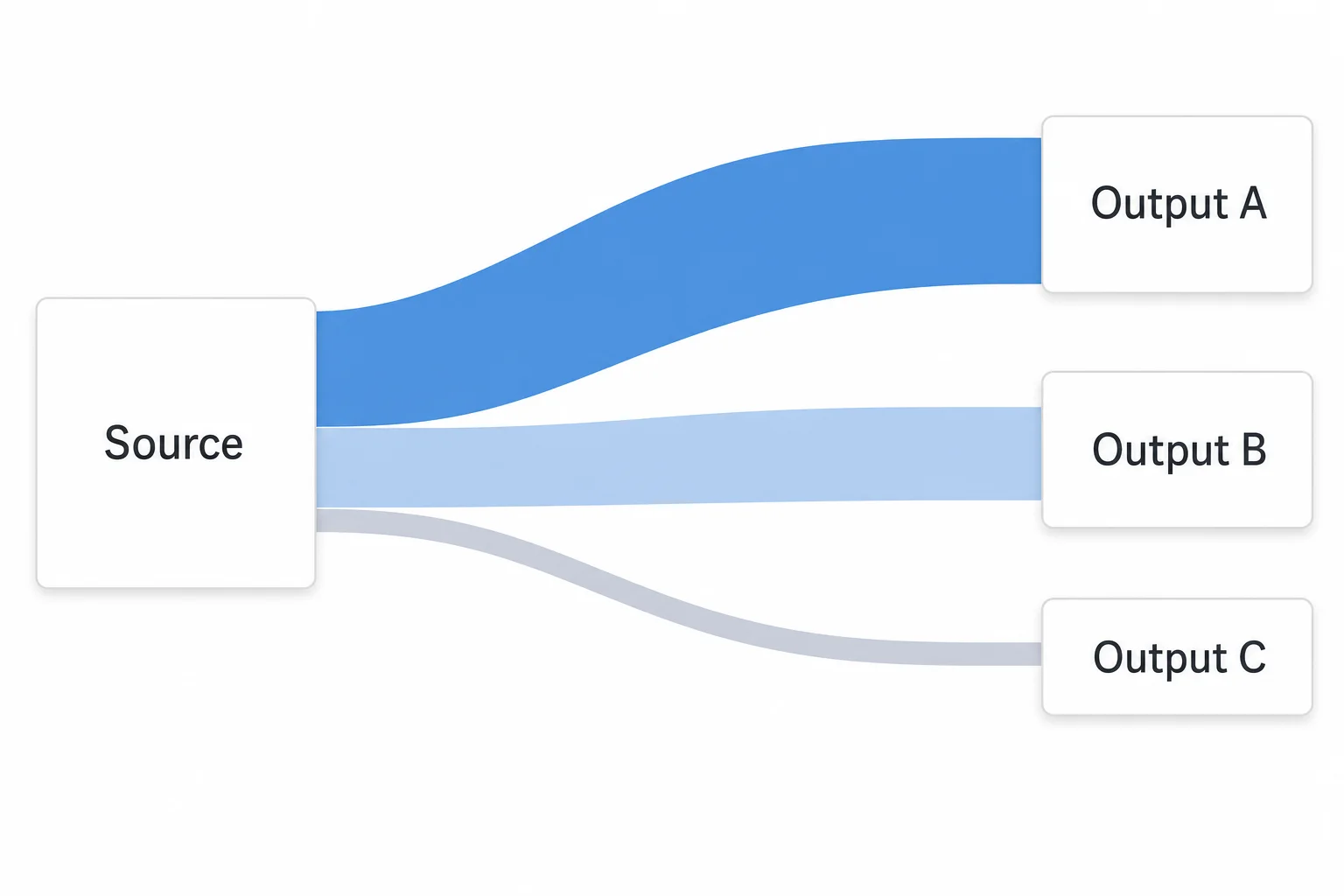
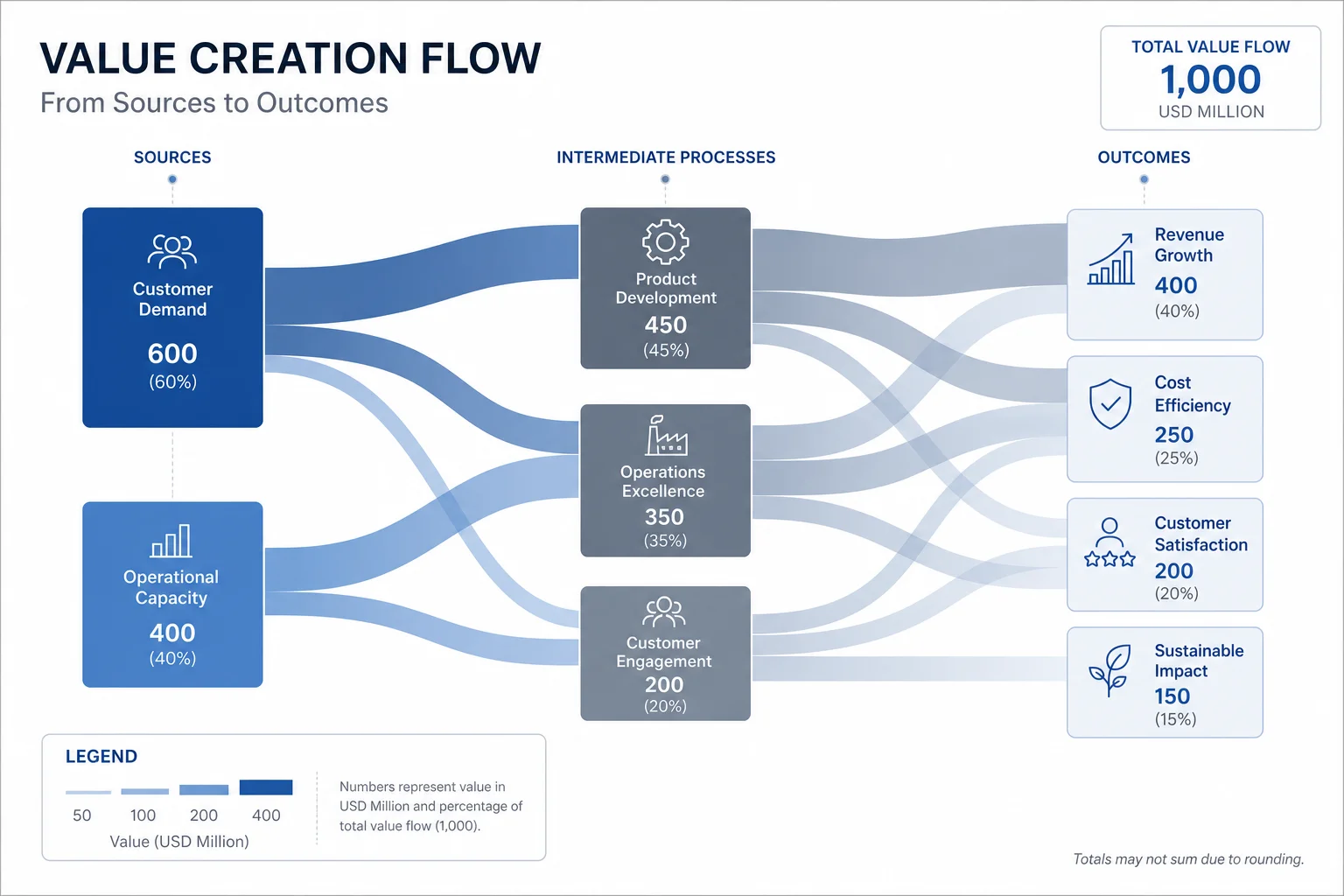
A Sankey diagram visualizes flow and quantity using arrows of varying widths. The width of each arrow is proportional to the amount flowing through it—making it instantly clear where the biggest flows are and how resources move through a system.
Sankey diagrams help you:
- Show proportions — Arrow width reveals relative magnitude at a glance
- Track flows — Follow how inputs split and merge through a process
- Find inefficiencies — Spot where resources are lost or redirected
- Tell data stories — Make complex flows intuitive for any audience
Named after Captain Matthew Sankey who used them to show steam engine efficiency in 1898, Sankey diagrams are now standard for energy audits, financial analysis, and user journey mapping.
What Can You Create?
Energy Flow Analysis
Visualize how energy moves through systems—from power generation to end use. Show where energy is consumed, converted, or lost. Essential for sustainability reports and efficiency audits.
Budget and Financial Flows
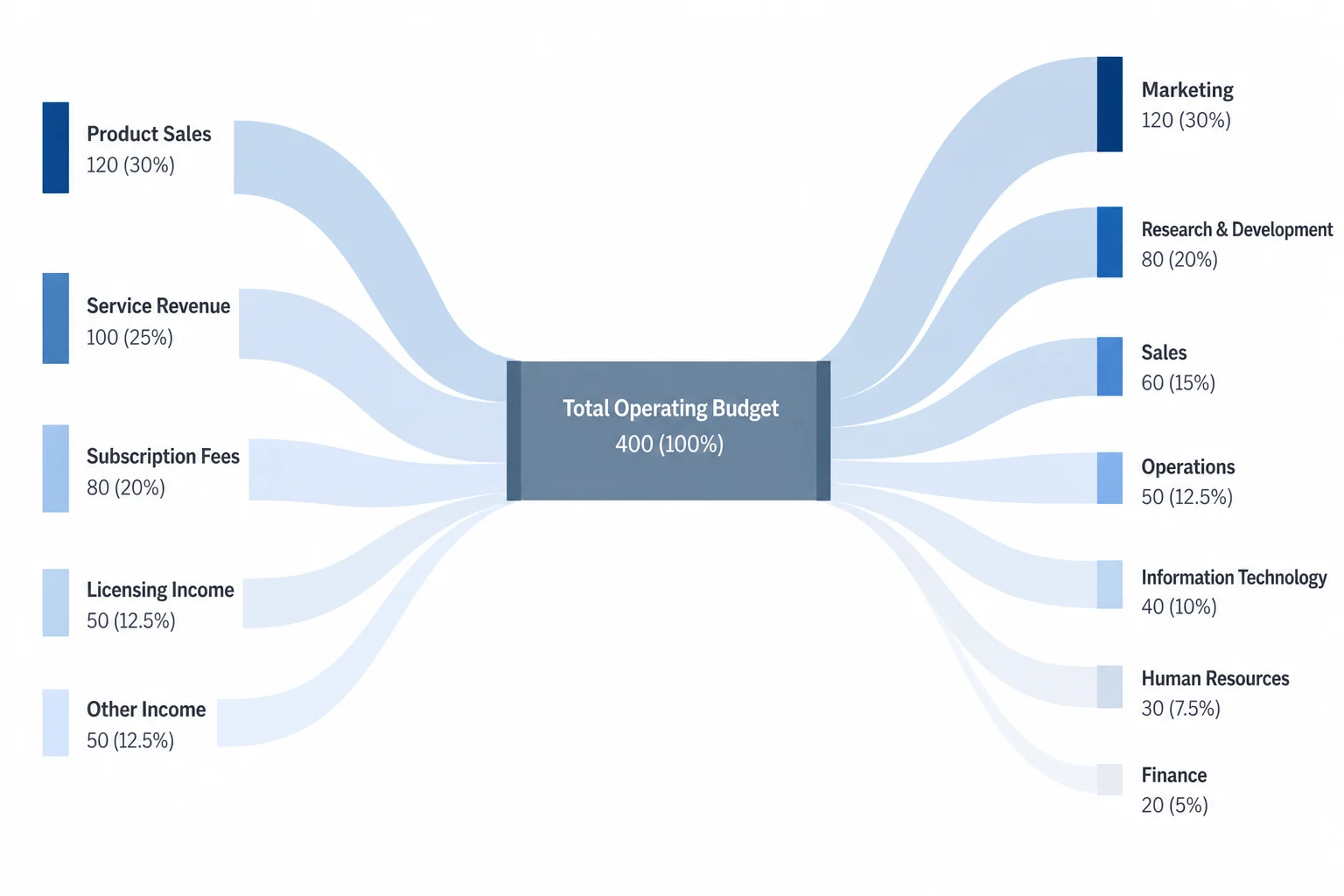
Track how money flows through an organization. Show revenue sources, department allocations, and expense categories. Great for annual reports and board presentations.
User Journey Mapping
Map how users flow through a website or app. Show where visitors enter, where they navigate, and where they convert or drop off.
Process and Material Flows
Visualize manufacturing processes, supply chains, or workflow efficiency. Identify bottlenecks and waste points.
Marketing Attribution
Show how leads flow through marketing channels to conversions. Visualize multi-touch attribution models.
Easier Than Traditional Tools
vs Excel
Excel doesn't natively support Sankey diagrams. Workarounds require complex stacked bar chart hacks or expensive add-ins. Our AI generates proper Sankey diagrams from your description—no spreadsheet gymnastics needed.
vs Tableau / Power BI
BI tools can create Sankey diagrams but require specific data formatting and configuration. Our generator works from plain English descriptions, making it faster for one-off visualizations.
vs Python / D3.js
Programming solutions like Plotly, D3.js, or R libraries offer flexibility but require coding skills. Describe your flow in natural language and skip the data transformation and code debugging.
For quick Sankey diagrams without the setup overhead, AI generation is the fastest path from idea to visualization.
Create Sankey Diagrams with AI
Describe your data flow and let AI generate a professional Sankey diagram instantly.
How it works:
- Describe your flow: "Energy Sankey diagram showing 100 units of fuel input, 40 units to electricity, 35 units lost as heat, 25 units to mechanical work"
- AI generates the Sankey diagram with proportional arrow widths
- Download in high resolution for reports and presentations
Works for any flow:
- Energy and resource flows
- Financial and budget allocation
- Website and app user journeys
- Process and supply chain mapping
Frequently Asked Questions
One Diagram. Different Styles.
Don't settle for generic visuals. Match your diagram's aesthetic to your brand identity with our Style Picker.
Auto-scrolling showcase • Hover to pause • Click to create